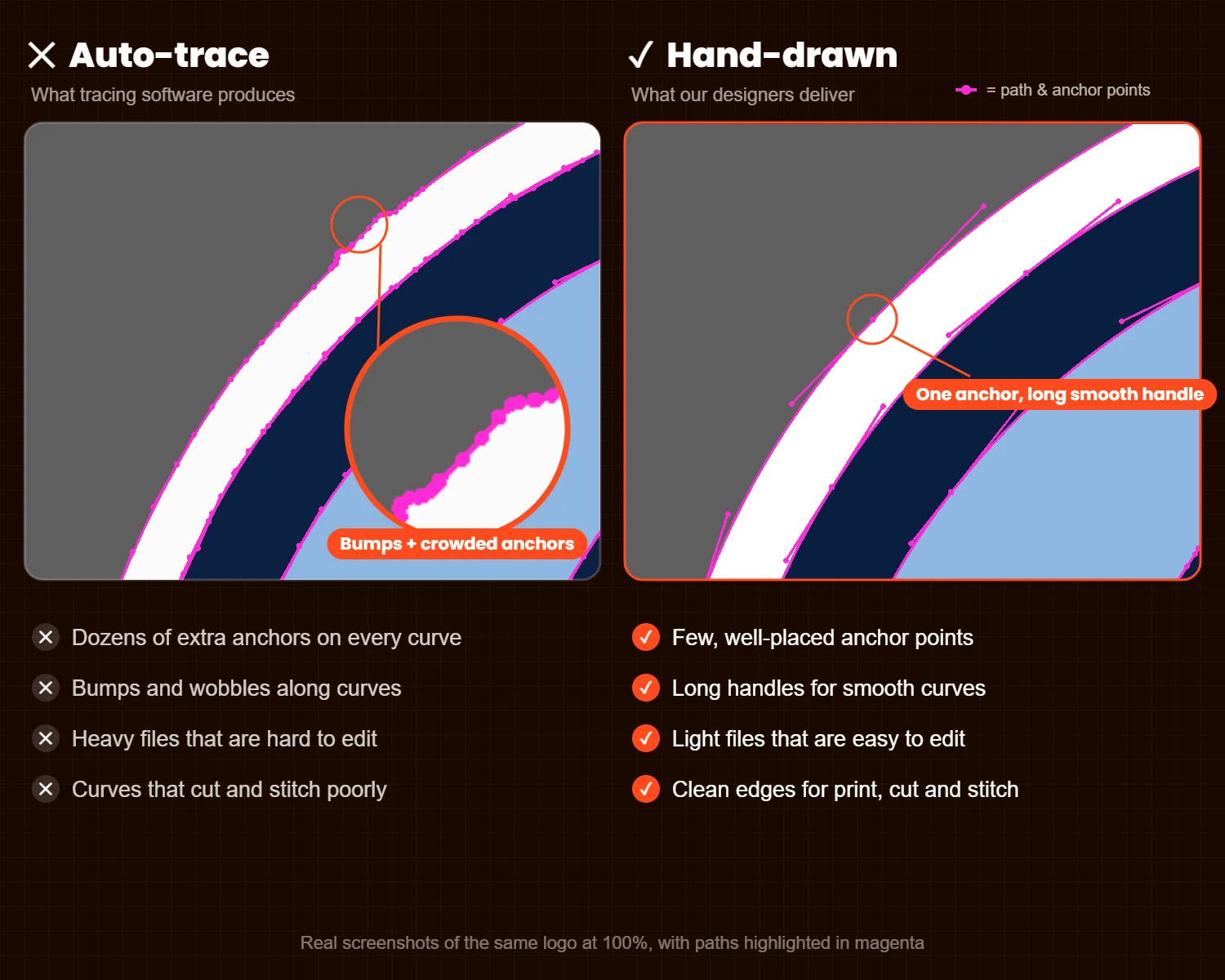
Auto-trace converts pixels into vector paths automatically, but the result is full of extra anchor points, bumpy curves and soft corners. Hand-drawn vector art rebuilds each shape with clean curves and as few points as possible.
By ProGFX1 · Updated November 21, 2026 · 6 min read
A raster image (JPG, PNG, a screenshot or a scan) is made of pixels, so it gets blurry or blocky when you enlarge it. A vector file (AI, EPS, SVG, PDF) is made of paths and curves, so it stays sharp at any size. Screen printing, vinyl cutting, signage and embroidery digitizing all work best from clean vector art.
Tools like Image Trace look at the colors in a raster image and draw paths around them automatically. The output is technically vector, but the software follows every pixel edge and every bit of compression noise. That is where the problems start.
Screen printing: clean shapes and true spot colors make separations simpler and edges sharper. Vinyl and laser cutting: the cutter follows every anchor point, so extra points mean jagged cuts and slower jobs. Embroidery digitizing: clean shapes make it easier to build stitch objects that sew well. Large formats: bumps that are invisible on screen become obvious on a banner or a jacket back.
A designer redraws the artwork by hand: straight lines stay straight, curves use smooth Bézier handles, corners stay sharp and colors are rebuilt as clean, separate fills. Lettering is rebuilt to match the original. The result is a lighter, cleaner file that is easy to edit, separate and scale.
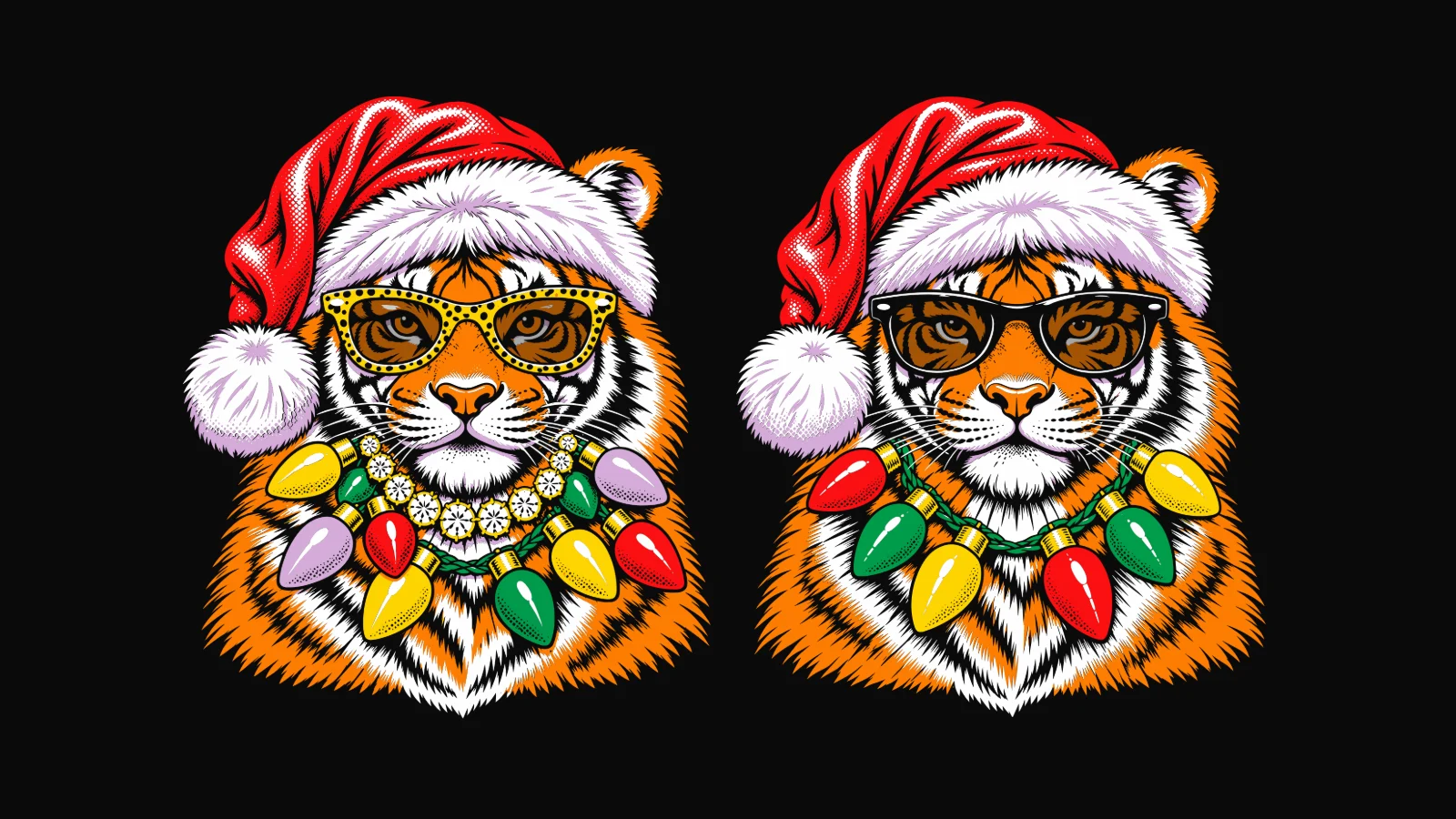
For a quick concept, or a simple, high-resolution black-and-white shape, auto-trace can be fine. For logos, client artwork and anything going into production, hand-drawn art saves time and reprints.
ProGFX1 hand-traces low-resolution logos, scans and illustrations into AI, EPS, SVG and PDF files in 3–4 hours up to 24 hours. Simple logos start at $10, and you can try us free first. See more examples in our portfolio, or read what embroidery digitizing is if your art is headed for embroidery.
Technically yes, because it is made of paths. But it usually has too many anchor points, uneven curves and messy colors, which causes problems in printing, cutting and digitizing.
Open it in outline view in your vector software. Auto-traced art shows lots of anchor points along curves, wavy lines and many small stray shapes.
At ProGFX1, simple logos start at $10 each and complex artwork costs more. See pricing or request a free trial.
Send one logo and see the quality before you choose anything.